" transform="translate(18 8)" width="28.14240163179204px"/></svg>)
Design for Everyone: An Introduction to Web Accessibility
An introduction to web accessibility and the key principles for creating inclusive designs for everyone.
Posted At
Posted On
Accessibility
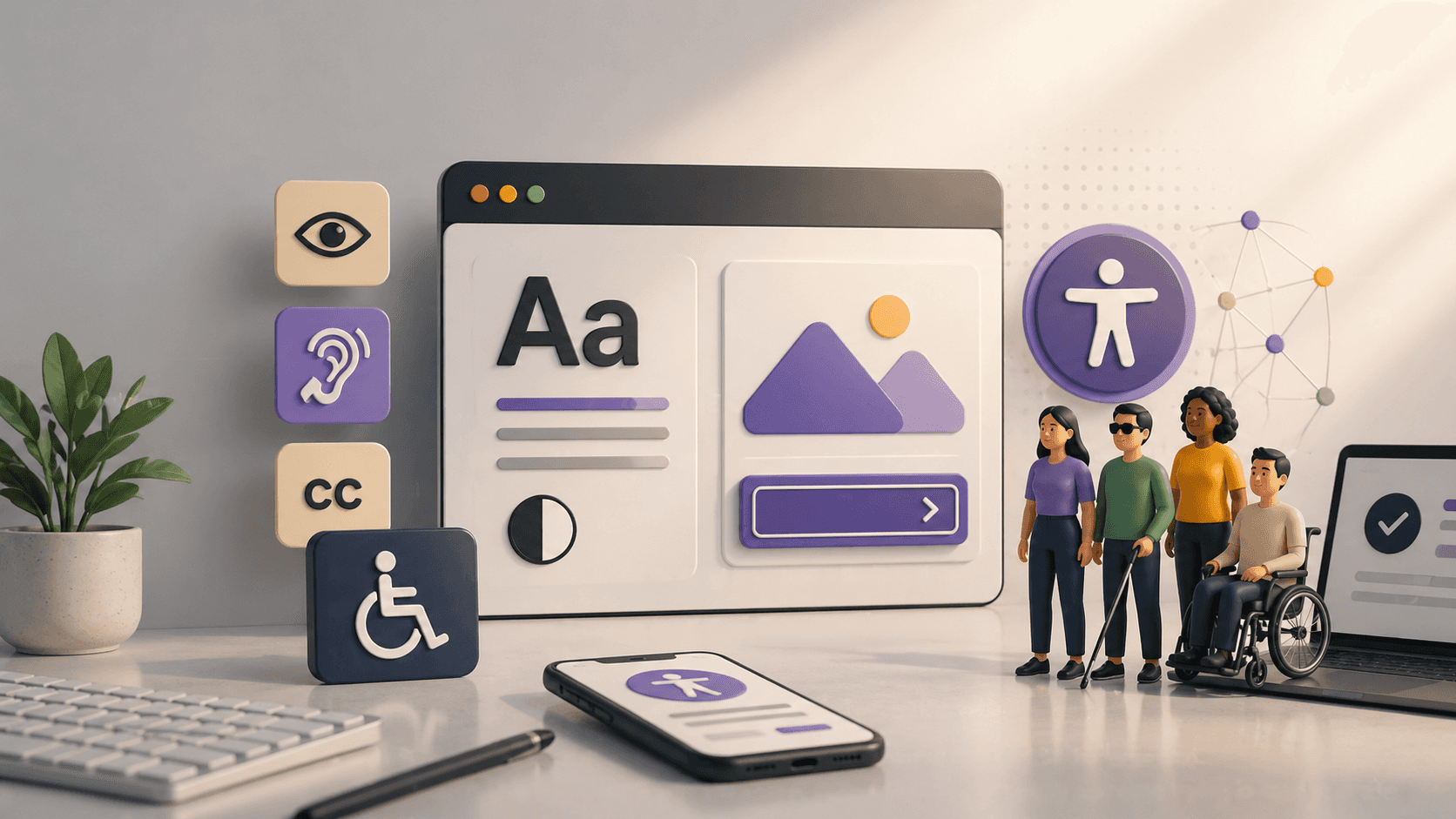
The web was designed to work for all people, whatever their hardware, software, language, location, or ability. When the web meets this goal, it is accessible to people with a diverse range of hearing, movement, sight, and cognitive abilities.
Accessibility (often abbreviated as a11y) isn't just a technical checklist; it's a fundamental aspect of user experience. Here are the core principles to get started.
1. Visual Contrast Matters
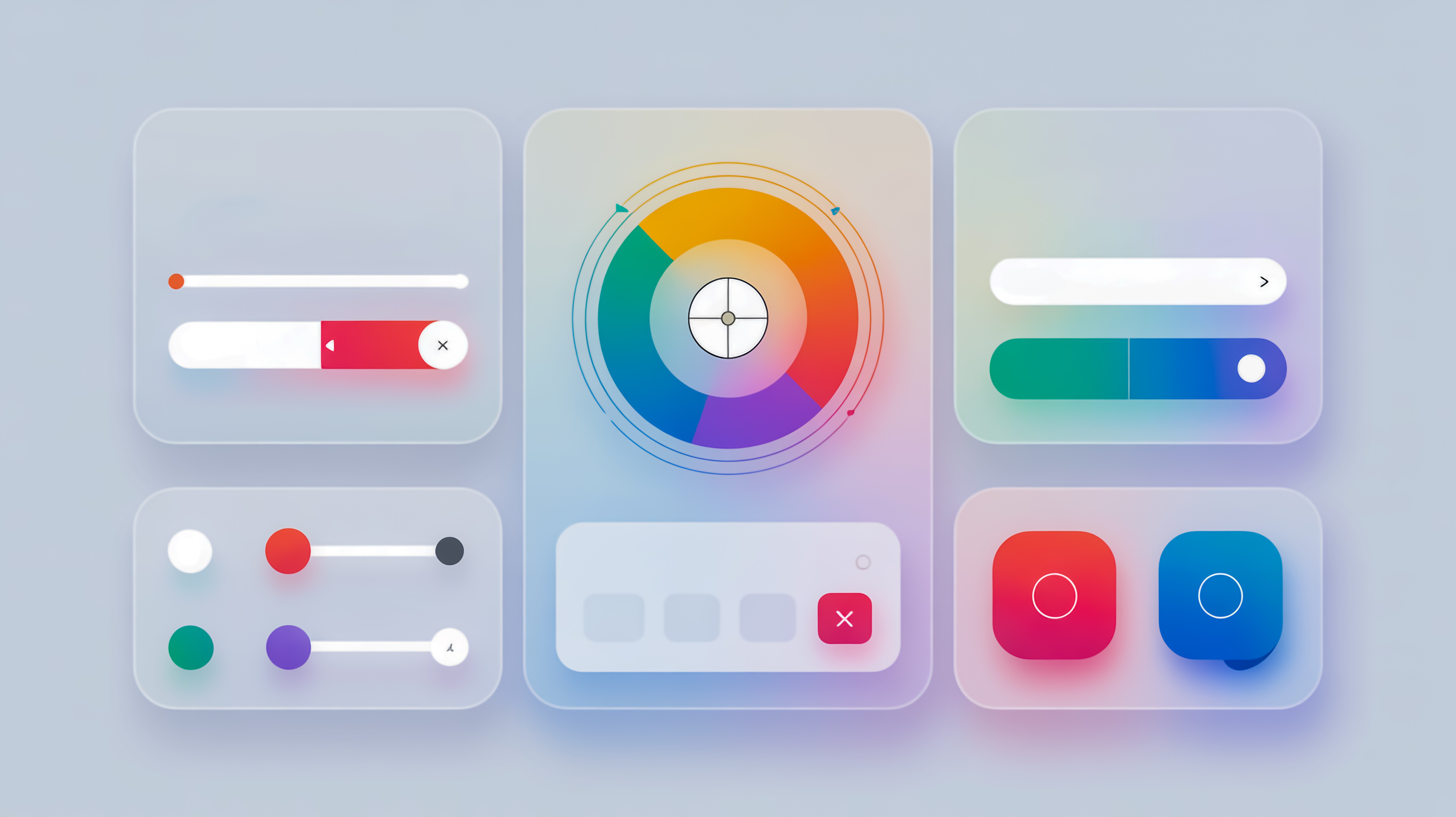
Low contrast text is the number one accessibility failure on the web.
The Rule: Ensure a contrast ratio of at least 4.5:1 for normal text and 3:1 for large text.
The Benefit: This helps users with low vision, color blindness, or simply someone trying to read your site on a sunny day with a dim screen.
2. Structure with Semantic HTML
Screen readers rely on code structure to navigate a page. Using a <div> for a button is a common mistake.
Headings: Use H1 through H6 in a logical order. Don't skip levels just for visual sizing.
Landmarks: Use distinct tags like
<nav>,<main>, and<footer>to define page regions.
3. Keyboard Navigation
Many users do not use a mouse. They rely on the Tab key to move through interactive elements.
The Test: Can you navigate your entire site using only the keyboard?
Focus States: Never remove the default focus outline (
outline: none) without replacing it with a custom visual indicator. Users need to know where they are on the page.
4. Alt Text for Images
Images convey meaning, but not everyone can see them.
Decorative Images: If an image is just for decoration (like a background shape), hide it from screen readers so it doesn't add noise.
Informative Images: Provide concise, descriptive text that explains the content and function of the image.
The "Curb Cut" Effect
Designing for accessibility improves the experience for everyone. Captions on video help the deaf, but they also help someone watching a video in a noisy coffee shop. Accessibility is not a constraint; it is a catalyst for better design.
More Articles

Let's build something bold.
Ready for a visual identity that demands attention? Tell me about your project and let's start designing.