" transform="translate(18 8)" width="28.14240163179204px"/></svg>)
UI vs. UX: Understanding the Crucial Difference
Learn the crucial difference between UI (how a product looks) and UX (how a product feels to use).
Posted At
Posted On
UI/UX Design
In the world of product design and web development, UI (User Interface) and UX (User Experience) are two of the most frequently confused terms. While they usually go hand-in-hand, they represent very different aspects of the product development process.
Understanding the distinction is vital for developers, designers, and stakeholders alike.
What is UI (User Interface)?
UI focuses on the "Look."
User Interface design is strictly a digital term. It is the point of interaction between the user and a digital device or product. UI design considers the look, feel, and interactivity of the product. It’s all about making sure the user interface of a product is as intuitive as it is aesthetically pleasing.
Key Responsibilities of UI Design:
Visual Design: Colors, typography, spacing, and imagery.
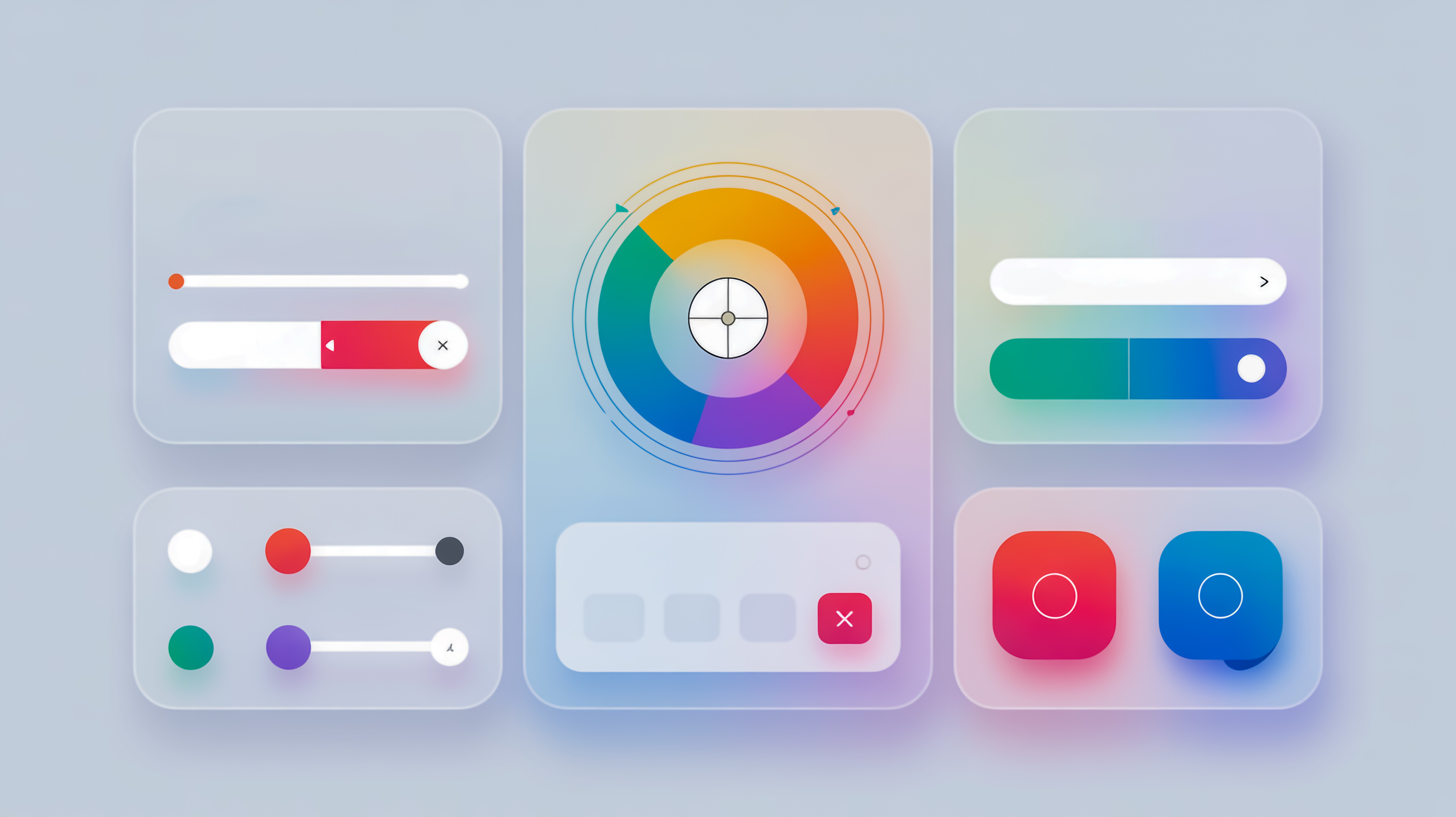
Interactive Elements: Buttons, toggles, text fields, and drop-down lists.
Layouts: Grid systems and responsiveness (how it looks on mobile vs. desktop).
Branding: Ensuring the visual identity is consistent across the application.
Think of UI as the paint, the furniture, and the decor of a house. It’s what you see and touch.
What is UX (User Experience)?
UX focuses on the "Feel."
User Experience encompasses all aspects of the end-user's interaction with the company, its services, and its products. It is not about visuals; it is about the overall feel of the experience. The goal is to create easy, efficient, relevant, and all-round pleasant experiences for the user.
Key Responsibilities of UX Design:
User Research: Understanding user pain points, needs, and behaviors.
Information Architecture: Organizing how content is structured.
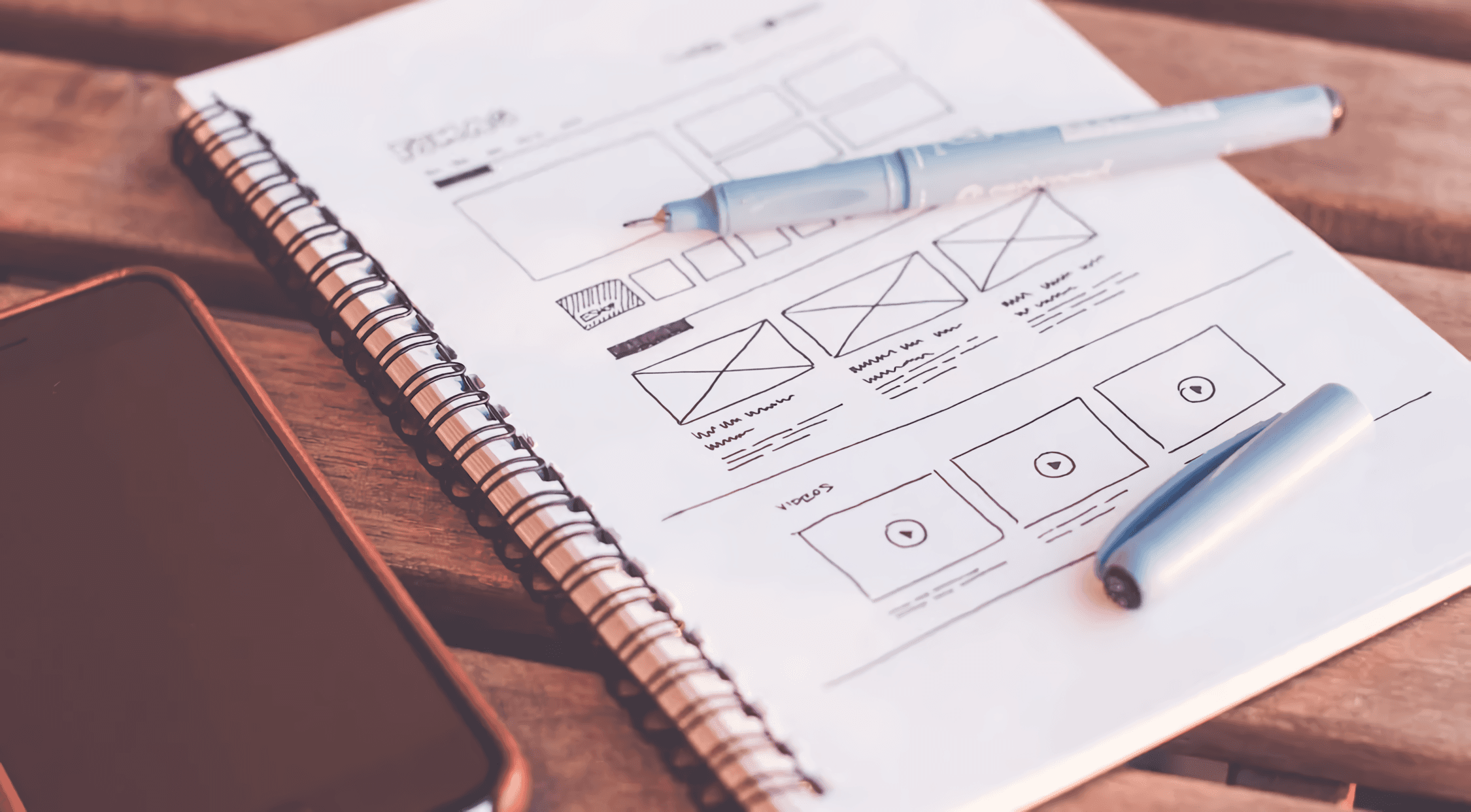
Wireframing & Prototyping: Creating the skeletal framework of the app before visual design is applied.
Usability Testing: Observing real users to see if the product works as intended.
Think of UX as the blueprints and the structure of a house. It dictates where the doors are placed so you don't walk into a wall, and ensures the bathroom is accessible from the bedroom.
How They Work Together
You cannot have a successful product with only one.
A product with great UI but poor UX looks beautiful but is frustrating to use. Imagine a stunningly designed button that doesn't actually submit the form, or navigation that looks modern but hides essential links.
A product with great UX but poor UI functions perfectly but looks outdated or untrustworthy. It might solve the user's problem, but the lack of visual polish makes the user question its quality.
The Practical Difference for Developers
For a Front-end Developer:
UX defines how the user flows from the Login screen to the Dashboard.
UI defines the specific hex code of the "Submit" button and the font-weight of the headers.
Conclusion
In summary:
UI makes the interface beautiful and interactive.
UX makes the interface useful and functional.
Both are essential. UI is the bridge that allows us to get where UX wants to take us.
More Articles


Let's build something bold.
Ready for a visual identity that demands attention? Tell me about your project and let's start designing.